D2 Diagram Playground
- Authors
- D2 Diagram Playground
Transform Your D2 Code into Professional Diagrams with MassiveDiag Playground
Introduction
Creating D2 diagrams manually can be time-consuming and complex. Whether you're a developer, designer, or engineer, a D2 code to diagram converter saves time while ensuring accuracy and clarity. With MassiveDiag Playground, you can easily convert D2 code into SVG, PNG, Word documents, and PDFs in just a few clicks!
If you're still struggling with manual diagramming, you're missing out on the power of AI-driven automation!
🔗 Try it for free today: MassiveDiag Playground
What is a D2 Diagram?
A D2 diagram is a structured, code-based representation of relationships, processes, and systems. By using D2 syntax, users can define connections between entities and instantly generate clear, professional diagrams.
Example D2 Code to Diagram Conversion
Example 1: Simple System Architecture
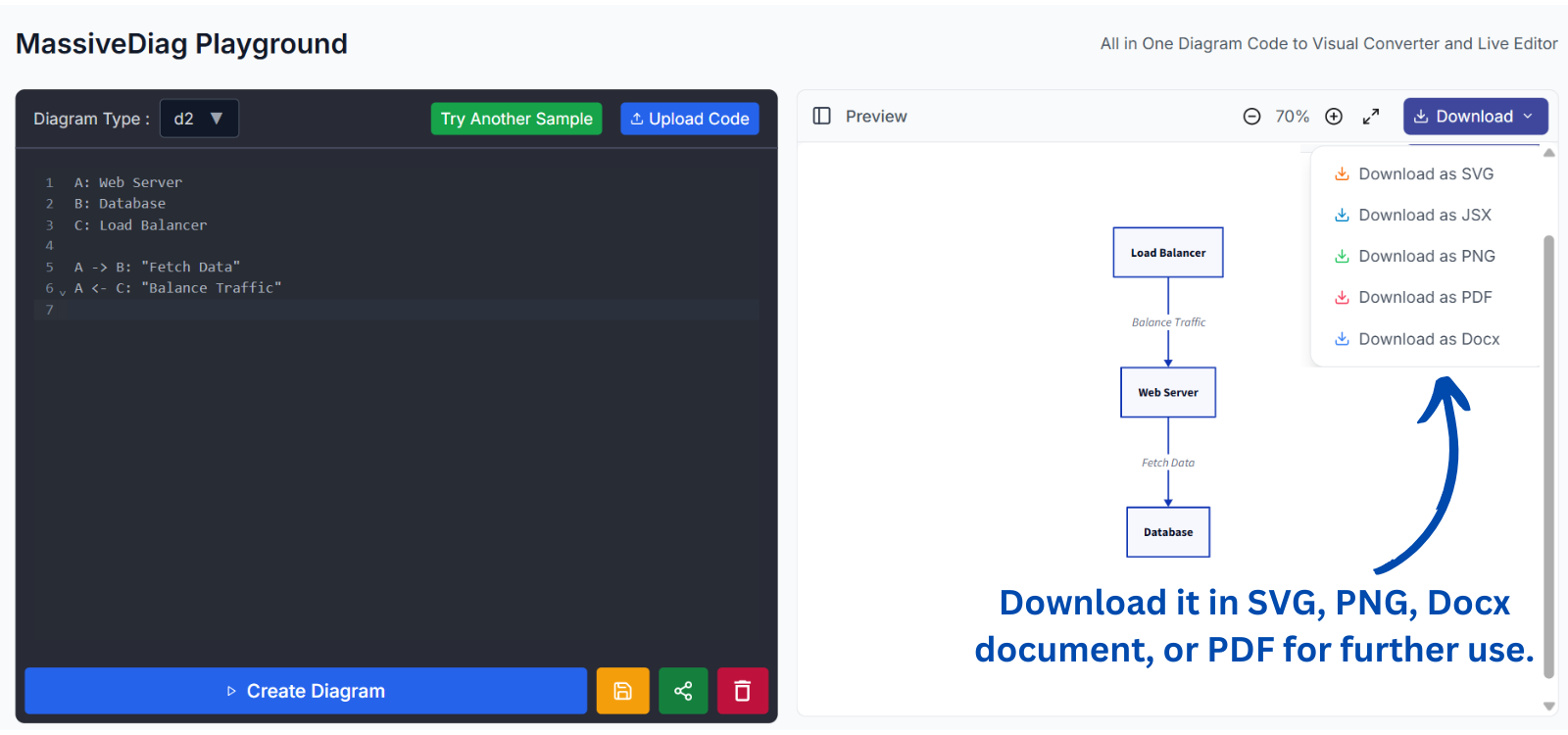
D2 Code:
A: Web Server
B: Database
C: Load Balancer

A -> B: "Fetch Data"
A <- C: "Balance Traffic"
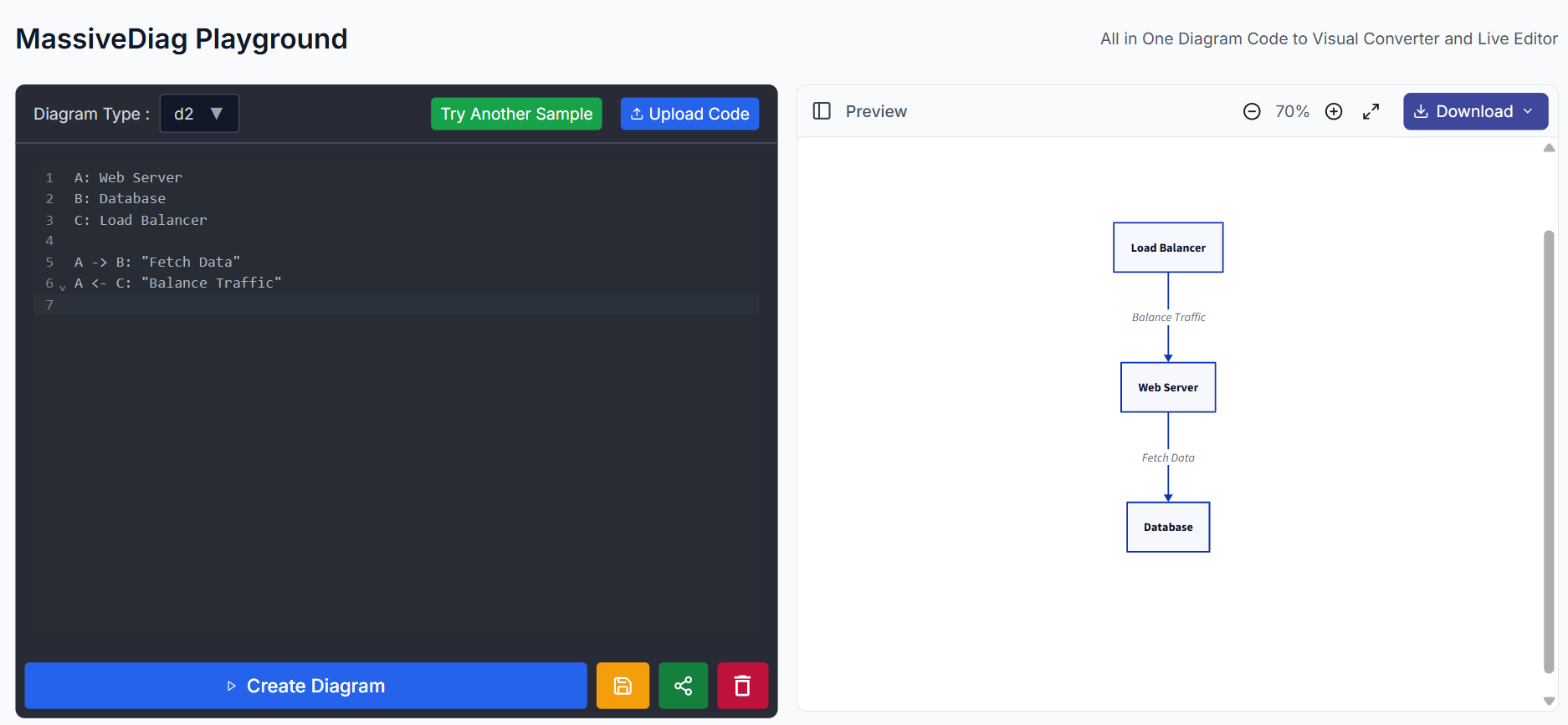
Generated Diagram:
- A Web Server communicating with a Database.
- A Load Balancer directing traffic to the Web Server.
- Visual representation of connections and relationships.
Supported D2 Diagram Formats
MassiveDiag Playground supports exporting D2 diagrams in various formats, including:
✅ SVG – Scalable vector format for web and presentations.
✅ PNG – High-quality image output.
✅ Word Documents (DOCX) – Embed diagrams directly into reports.
✅ PDF – Perfect for documentation and sharing.
Getting Started with D2 Diagrams on MassiveDiag Playground
- Generate/Get Code – Write or generate the D2 code using AI tools.
A: Web Server
B: Database
C: Load Balancer

A -> B: "Fetch Data"
A <- C: "Balance Traffic"
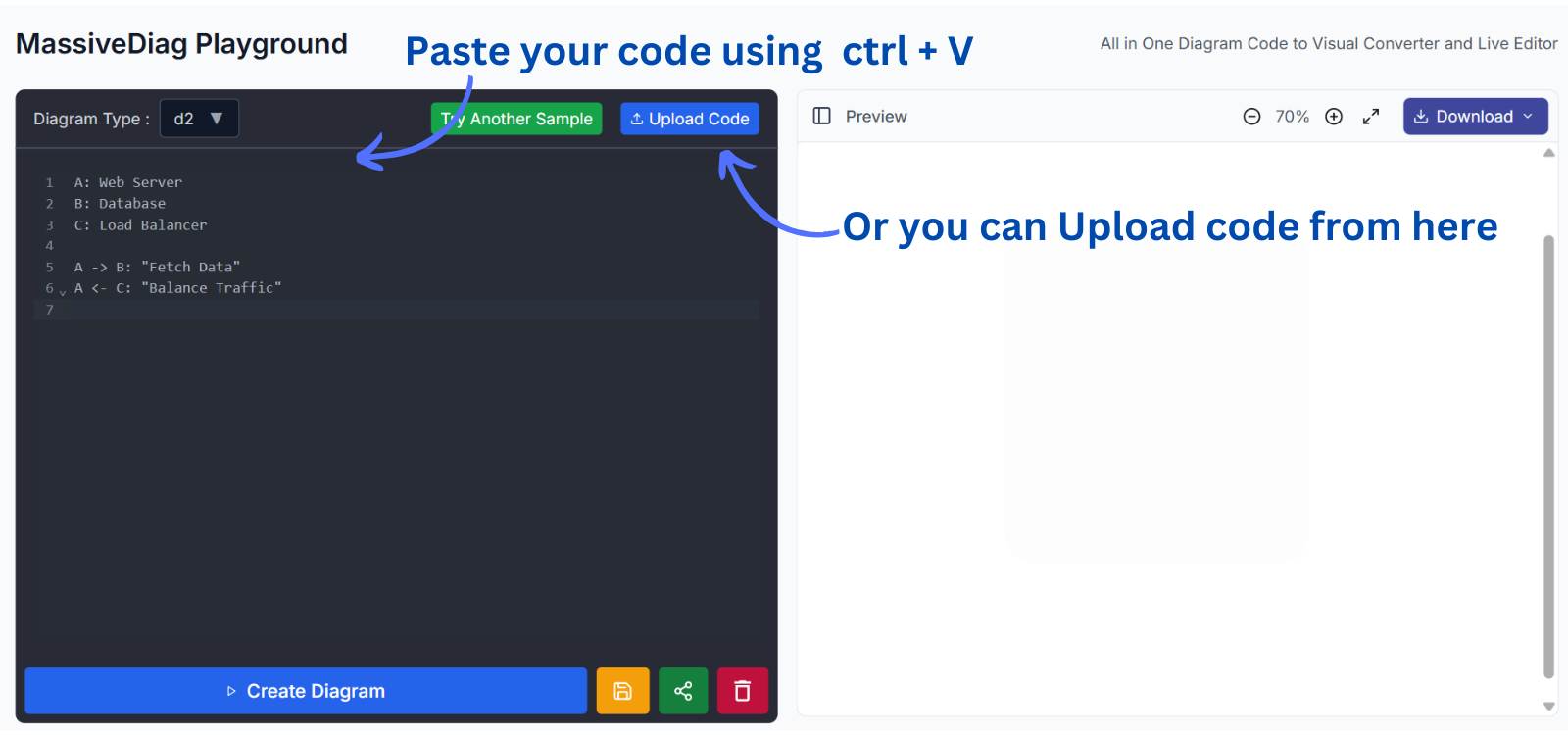
- Copy & Paste into MassiveDiag Playground – Insert your D2 code.
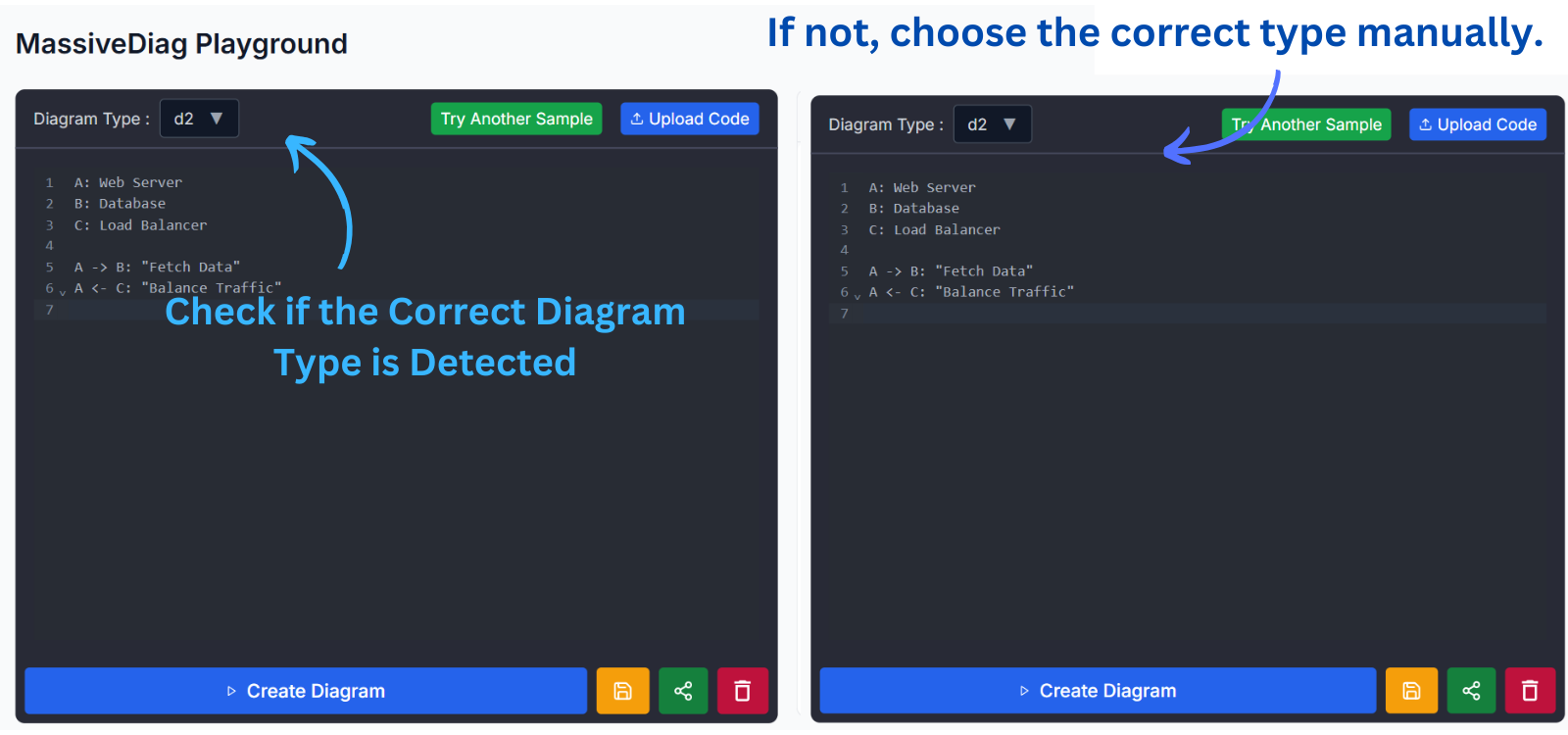
- Verify the Correct Diagram Type – Automatically detected or manually selected.
- Click "Create Diagram" – AI processes your input to generate a structured diagram.
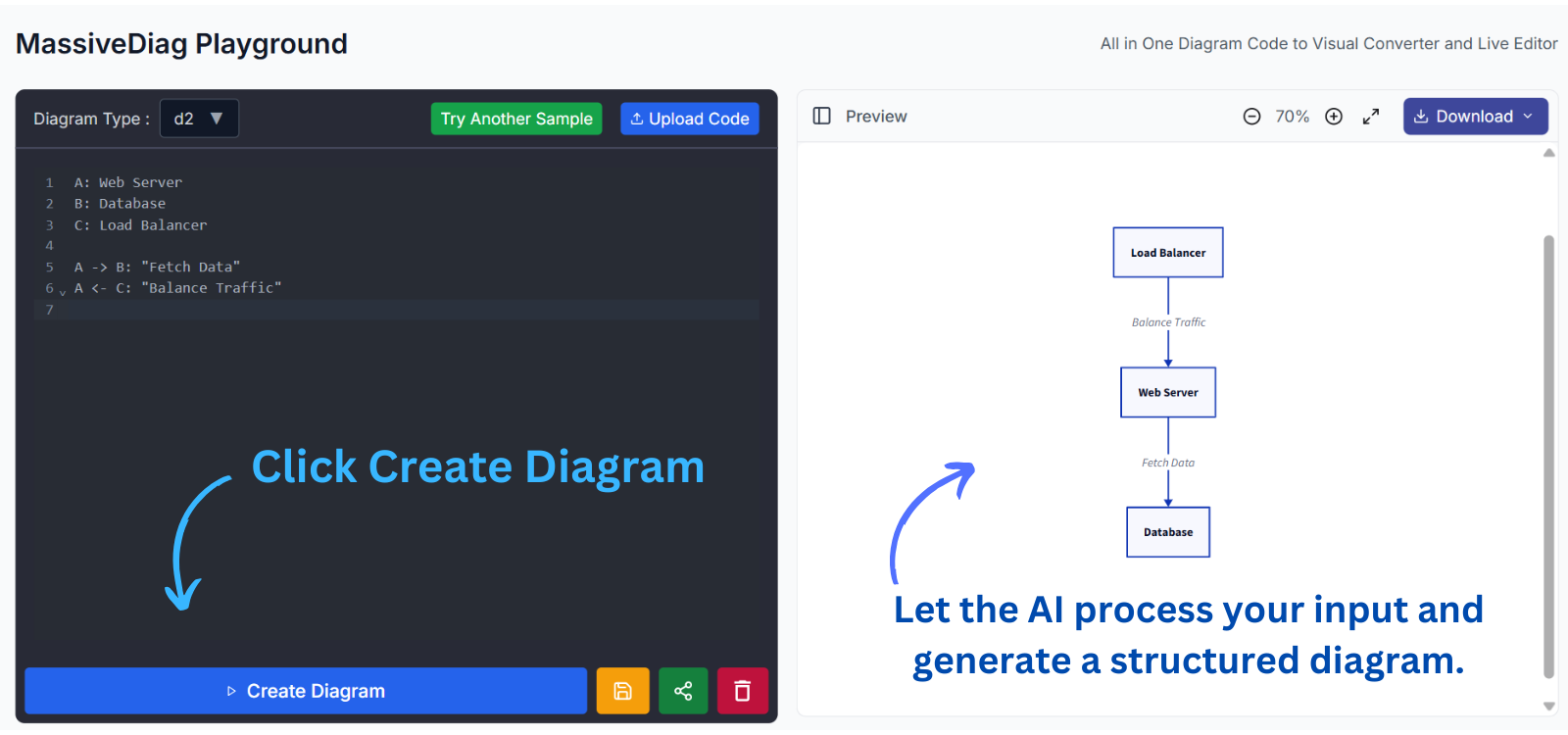
- Preview and Download – Export the diagram in your desired format.
🔗 Try it for free today: MassiveDiag Playground
How to Use D2 Diagrams in MassiveDiag Playground
- Create system architecture diagrams to map out software designs.
- Design workflow processes for business and engineering teams.
- Document database relationships for developers.
- Visualize network topologies for IT professionals.
- Share and export diagrams effortlessly with your team.
Practical Use Cases of D2 Diagrams
- Software Development – Create architecture diagrams for applications.
- Business Process Mapping – Visualize workflows and decision-making trees.
- Engineering & IT – Design network topologies and system interactions.
- Education & Research – Illustrate concepts with structured visuals.
Multi-language Support
MassiveDiag Playground supports multiple languages, making it accessible worldwide:
- 🇪🇸 Spanish
- 🇫🇷 French
- 🇩🇪 German
- 🇮🇹 Italian
- 🇨🇳 Chinese
- 🇯🇵 Japanese
- 🇷🇺 Russian
- 🇸🇦 Arabic
- 🇵🇹 Portuguese
- 🇮🇳 Hindi
- 🇰🇷 Korean
- 🌍 And more!
Tips for Creating Effective D2 Diagrams
✅ Use clear, descriptive labels for elements.
✅ Keep diagrams simple and avoid excessive details.
✅ Leverage color and styling for better visualization.
✅ Organize connections logically to enhance readability.
✅ Regularly update and refine diagrams for accuracy.
FAQ About D2 Diagrams and MassiveDiag
Q: Do I need coding skills to use D2 diagrams?
A: No! The syntax is simple, and the platform helps visualize code easily.
Q: Can I edit diagrams after generating them?
A: Yes! The D2 live editor allows real-time modifications.
Q: Is MassiveDiag Playground free?
A: Yes! You can try it for free and upgrade for advanced features.
Q: What if my diagram doesn't look right?
A: Adjust the code or manually select the correct diagram type.
Conclusion
If you're still manually creating diagrams, you're missing out! MassiveDiag Playground streamlines diagramming, improves accuracy, and saves time.
🚀 Why waste time when you can generate diagrams in seconds?
Join thousands of professionals transforming the way they visualize their systems.
🔗 Try it for free today: MassiveDiag Playground